
Online Compiler Editor: Cod - Program Review

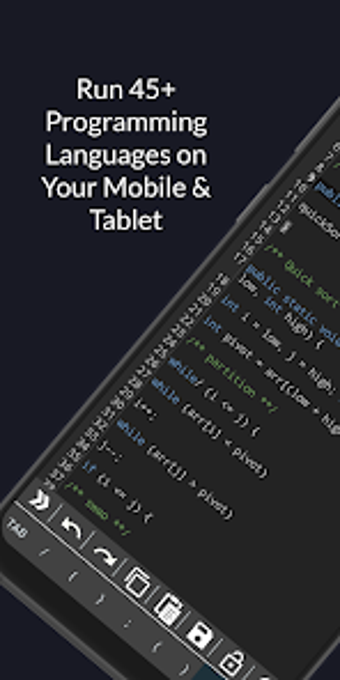
Online Compiler Editor: Cod is a highly efficient and speedy online compiler IDE that can compile, run and execute code snippets on mobiles and tablets. This free application supports over 45 programming languages, including C, C++, Java, Python, R (with graph representation), Octave (with graph support), and web programming languages such as HTML, CSS, and JavaScript.

The app has multiple server support for the best user experience and features a cool and smooth UI with multiple themes such as dark, blue, violet, purple, green, blue-grey, and more. Users can rearrange keys on the extended keyboard for quick typing. The IDE has dedicated CodeToInvent developer support and separate tabs for HTML, CSS, and JavaScript, with auto-suggestion, code editor themes, and the ability to insert colors from a color palette. Also, the app allows users to save their code files and import/open files, undo, redo code operations, and pinch zoom in and out.

 0/1

App specs

  • License

    Free

  • Version

    2.2

  • Latest update

  • Platform

    Android

  • OS

    Android 13.0

  • Language

    English

    Available languages

    • English
    • German
    • Hindi
    • Norwegian
    • Russian
    • Finnish
    • French
    • Chinese
    • Swedish
    • Korean
    • Chinese
    • Portuguese
    • Greek
    • Italian
    • Spanish
    • Czech
    • Arabic
    • Japanese
    • Polish
    • Danish
    • Dutch
    • Turkish
  • Downloads

    6

    Last month's downloads

    • 2
  • Developer

  • Download Options

    Google Play

Program available in other languages


User reviews about Online Compiler Editor : Cod

Have you tried Online Compiler Editor : Cod? Be the first to leave your opinion!

Add review

You may also like

Explore Apps

Latest articles

Laws concerning the use of this software vary from country to country. We do not encourage or condone the use of this program if it is in violation of these laws.
Softonic

Is Online Compiler Editor : Cod safe?

Score result: Clean

This app is available directly from the official Google Play Store. Since the official app stores maintain their own rigorous security standards and review processes, we rely on their trusted distribution platform rather than performing additiona scans. You can download with confidence knowing this comes straight from the verified source.

  • Virus free
  • Spyware free
  • Malware free